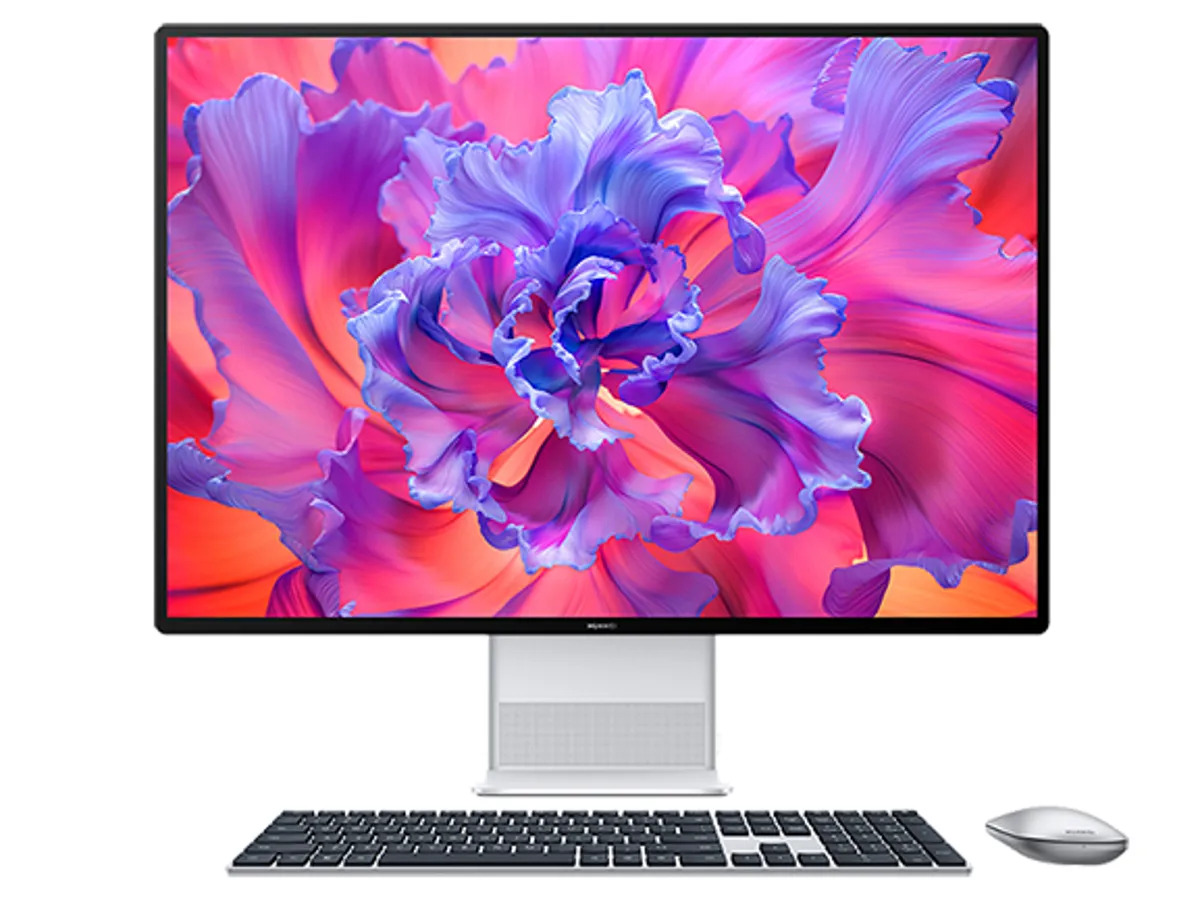
Huawei Desktop

Start Your Journey with HUAWEI Desktop

Set up your desktop

Learn how to connect your desktop to a keyboard, mouse, monitor, and power cable via ports, and how to power on your desktop for the first time.

Power on and unlock your desktop by fingerprintAfter you have enrolled your fingerprint, press the fingerprint button on the keyboard to start up and unlock easily and securely.

Description

Start Your Journey with HUAWEI Desktop

Set up your desktop

Learn how to connect your desktop to a keyboard, mouse, monitor, and power cable via ports, and how to power on your desktop for the first time.

Power on and unlock your desktop by fingerprintAfter you have enrolled your fingerprint, press the fingerprint button on the keyboard to start up and unlock easily and securely.

Connect your desktop to two monitorsProject your desktop to two monitors via an HDMI cable and a VGA cable, to double the view.

Multi-Screen Collaboration

Connecting a monitor to your computer via Multi-Screen Collaboration allows you to view and browse on a larger screen

Use Bluetooth

Learn how to connect your desktop to a Bluetooth device, send and receive files via Bluetooth, and change the Bluetooth name.

Safe Mode

When Safe Mode is enabled, you can detect, locate, and fix faults on your computer.

Reviews

There are no reviews yet.

Be the first to review “Huawei Desktop”

Your email address will not be published. Required fields are marked *